Your knowledge base
The material every answer is drawn from, and the one thing about uploading that surprises people.
The overlay is the live half. This is the other half, and it happens in the web app before the call — an answer can only be grounded in material that exists.
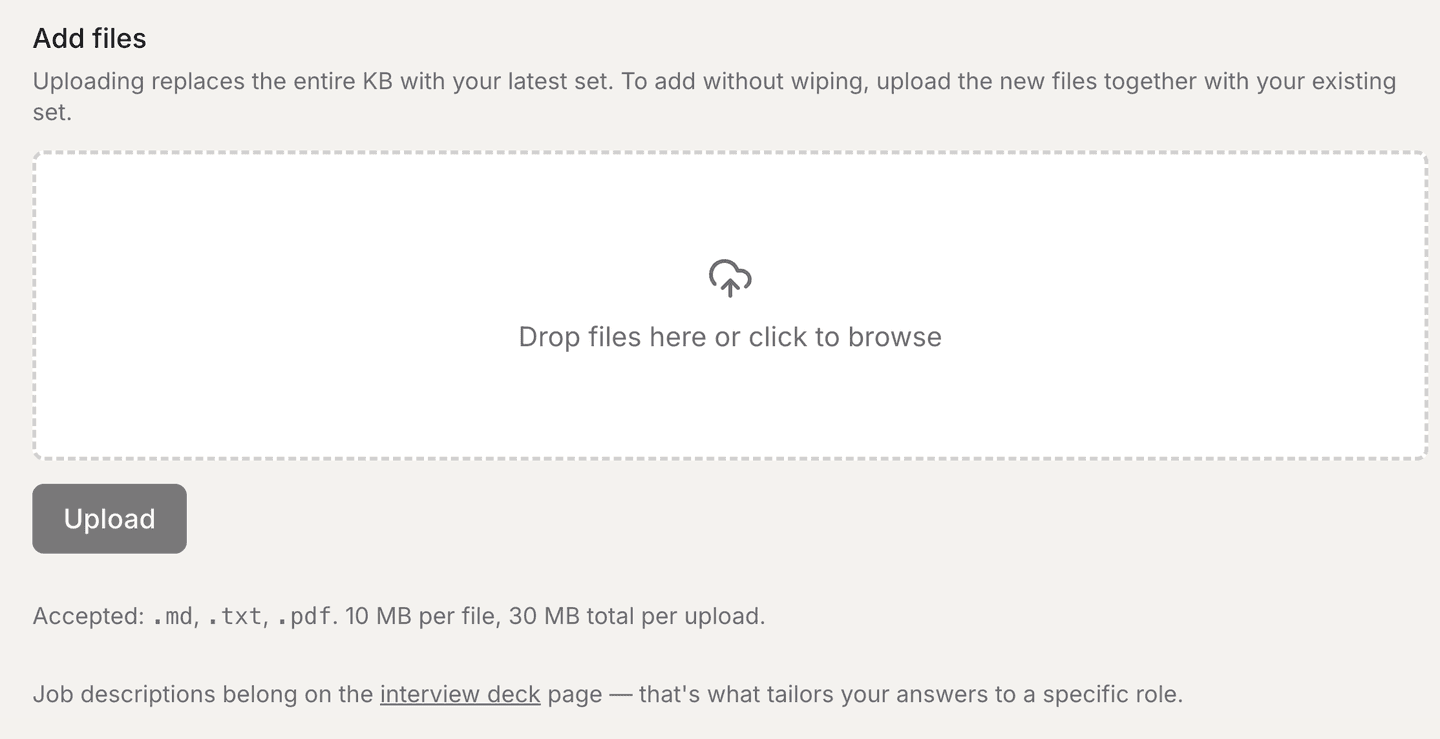
What to put in it
Your resume first. Then anything that is genuinely yours and genuinely specific: project write-ups, an architecture doc you wrote, notes on decisions you actually made, numbers you can defend.
Accepted formats are .md, .txt and .pdf — 10 MB per file, 30 MB per
upload.
What not to put in it
- A job description. Those belong on the interview deck, which is what tailors answers to a specific role — see Prepared decks.
- Anything you cannot defend out loud. Material here is what answers are built from. A project you did not really own becomes an answer you then have to survive a follow-up question about.
Why generic answers usually mean an empty knowledge base
If answers come back reading like a textbook, the retrieval had nothing of yours to find. That is the first thing to check — before Answer source, before anything else.