What MiPrep is
A desktop overlay that listens to your interview, answers in real time, and stays out of the shared screen.
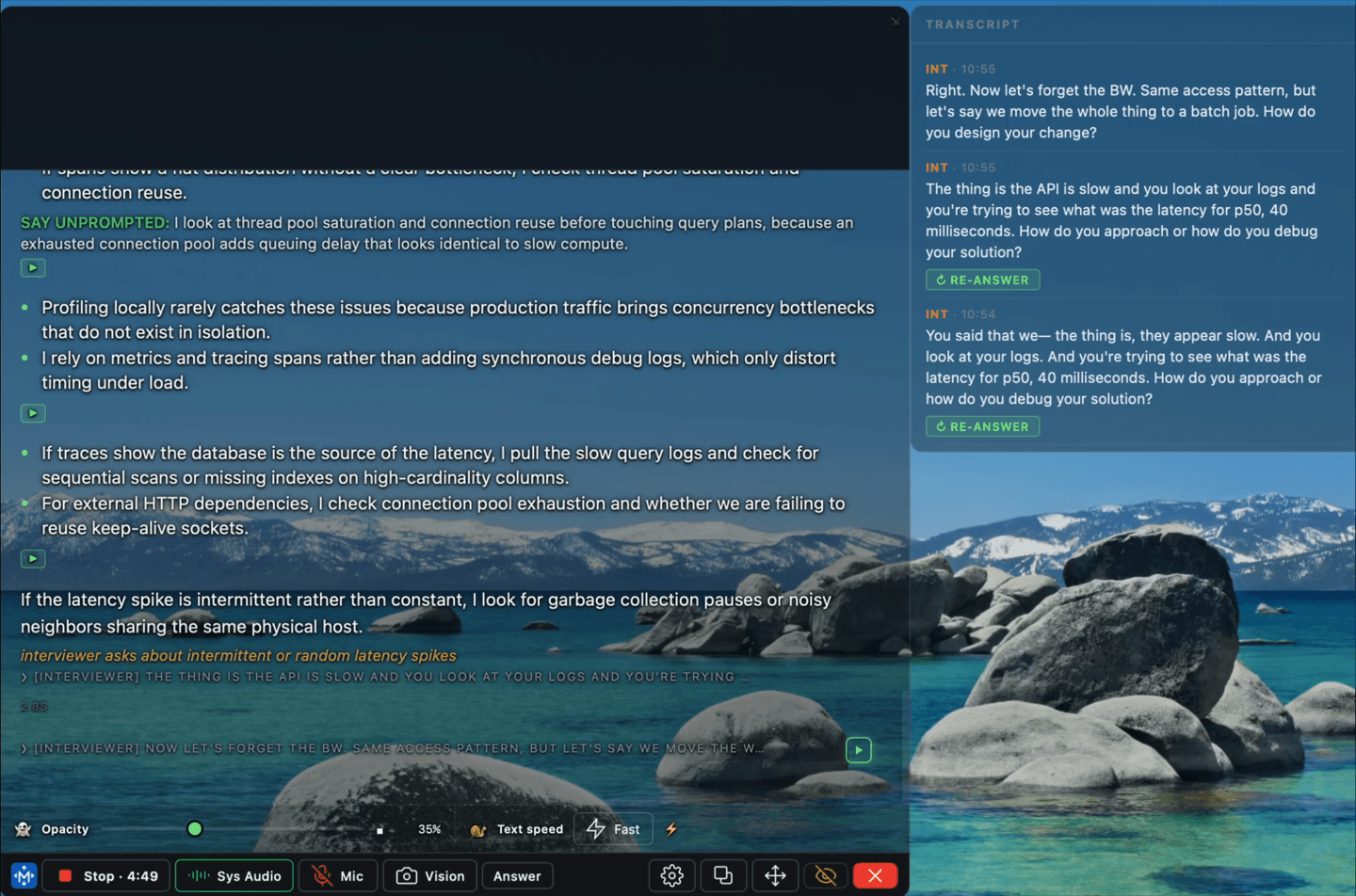
MiPrep AI runs as a small always-on-top window on your own machine. It listens to the call — your microphone and the system audio, so both sides of the conversation — and puts an answer on screen while the question is still being asked.
It is not a browser extension and not a bot that joins the call. Nothing is added to the meeting, no participant appears, and the other side sees no integration.
What it does
- Answers what it hears. Speech is transcribed continuously and an answer starts rendering before the question finishes.
- Answers what it sees. Point it at a coding-exercise window and it reads the problem off the screen — see On-screen questions.
- Answers from your own material. Your resume and notes are retrieved alongside the question, so the answer is in your history and your words.
- Stays out of the screen share. The window is excluded from capture at the OS level — see Screen sharing.
What it does not do
- It does not join, record, or transcribe the call for anyone but you.
- It does not type, click, or control any other application.
- It does not invent experience you do not have. If your material does not support a claim, the answer will not make one up for you to then defend.
Start here
- Install — macOS or Windows.
- Permissions — microphone, and on macOS screen recording.
- Your first session.
Then three worth reading once:
- How MiPrep works — what happens between the question and the answer, and what runs where.
- The toolbar — every control the app has, on one strip.
- Why the glance reader exists — the part designed around being watched while you read.