Camera & position
Where the window sits, and the one optional setting that uses your webcam.
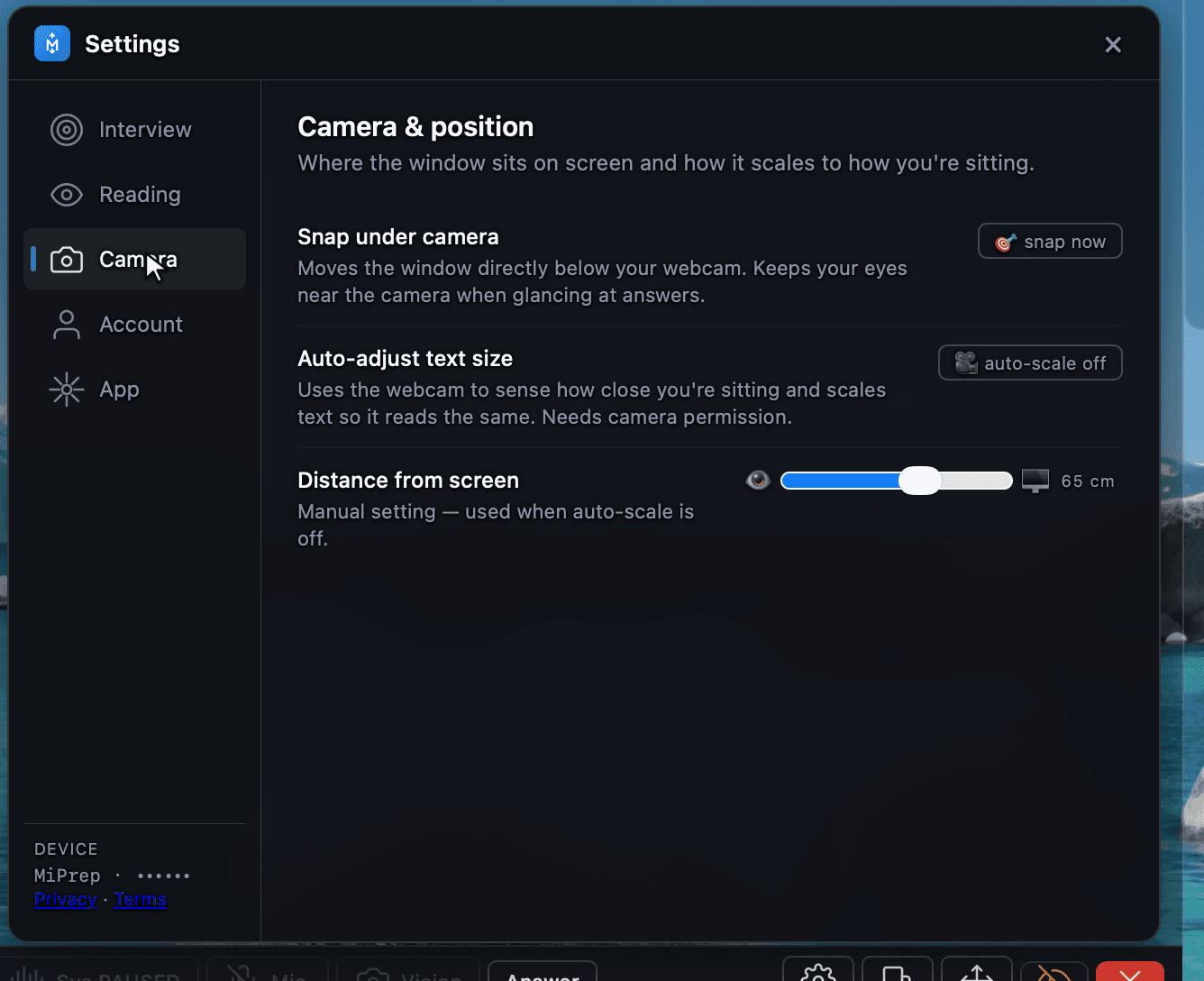
Snap under camera
Moves the window directly below your webcam so your eyes stay near the lens while you read. Worth doing once at the start of every call — it is the single biggest difference between looking like you are reading and looking like you are thinking.
Auto-adjust text size
Off by default. When on, MiPrep samples the webcam to judge how far you are sitting from the screen and scales the text so it reads the same at any distance.
Distance from screen
The manual value, used whenever auto-adjust is off. Set it once to whatever matches your desk.