Account
Plan, prep material, and the two different sign-outs.
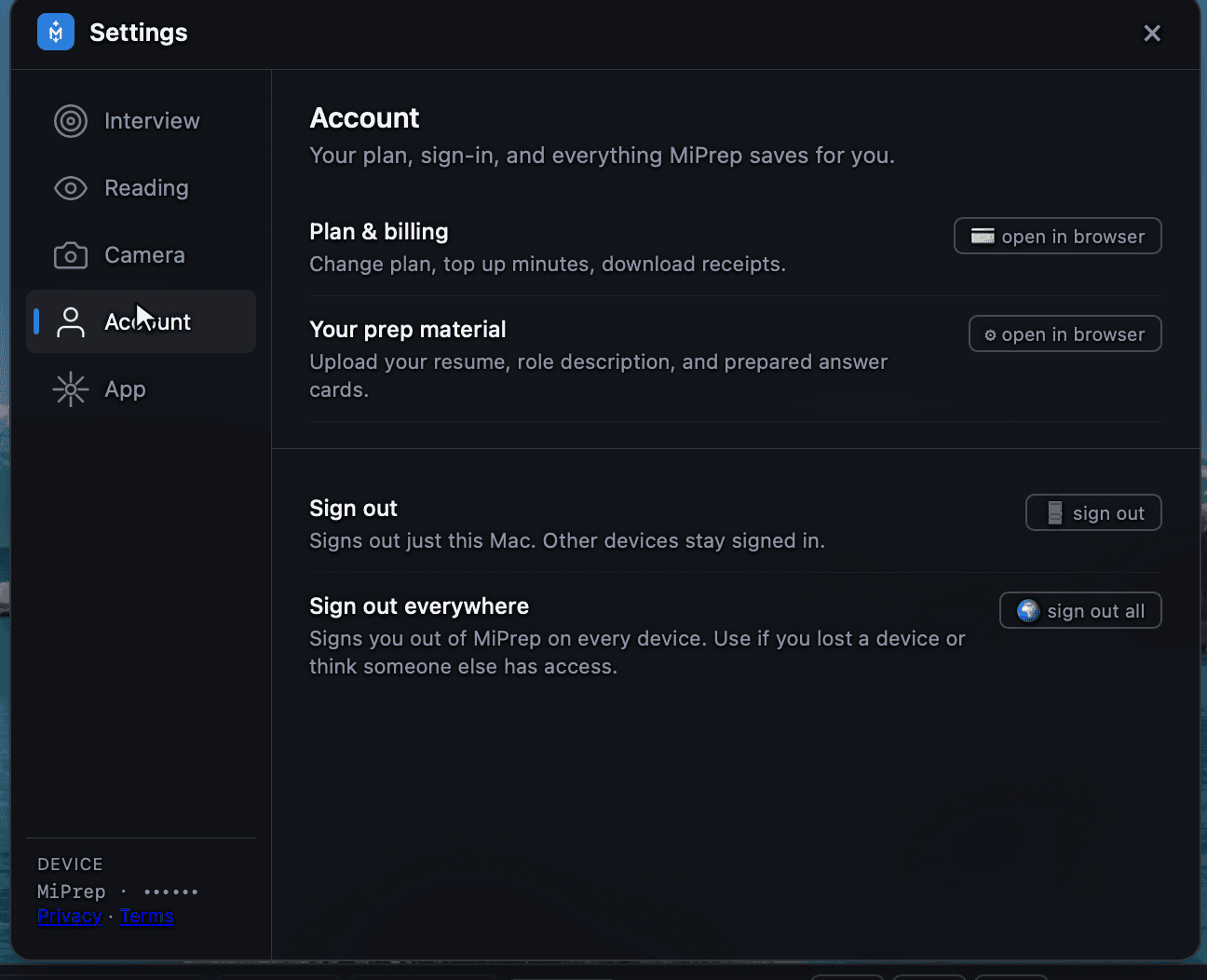
Your plan, sign-in, and everything MiPrep saves for you.
Plan & billing
Opens in your browser: change plan, top up minutes, download receipts.
Billing deliberately lives in the web app rather than the overlay. The overlay is the thing that has to be fast and invisible during a call; a checkout flow is neither.
Your prep material
Also opens in your browser. This is where you upload your resume, the role description, and your prepared answer cards — the material that Answer source draws on.
If answers are coming back generic, this is almost always the reason: there is nothing to retrieve. See Your knowledge base and Prepared decks.
The two sign-outs are not the same
| What it does | |
|---|---|
| Sign out | This Mac only. Your other devices stay signed in. |
| Sign out everywhere | Every device, everywhere. |
Use Sign out everywhere if you lost a device or think someone else has access. Use plain Sign out if you are just handing this machine to someone for an afternoon.