App
Stealth, Dock visibility, conversation memory, diagnostics, transcript redaction, and deleting local data.
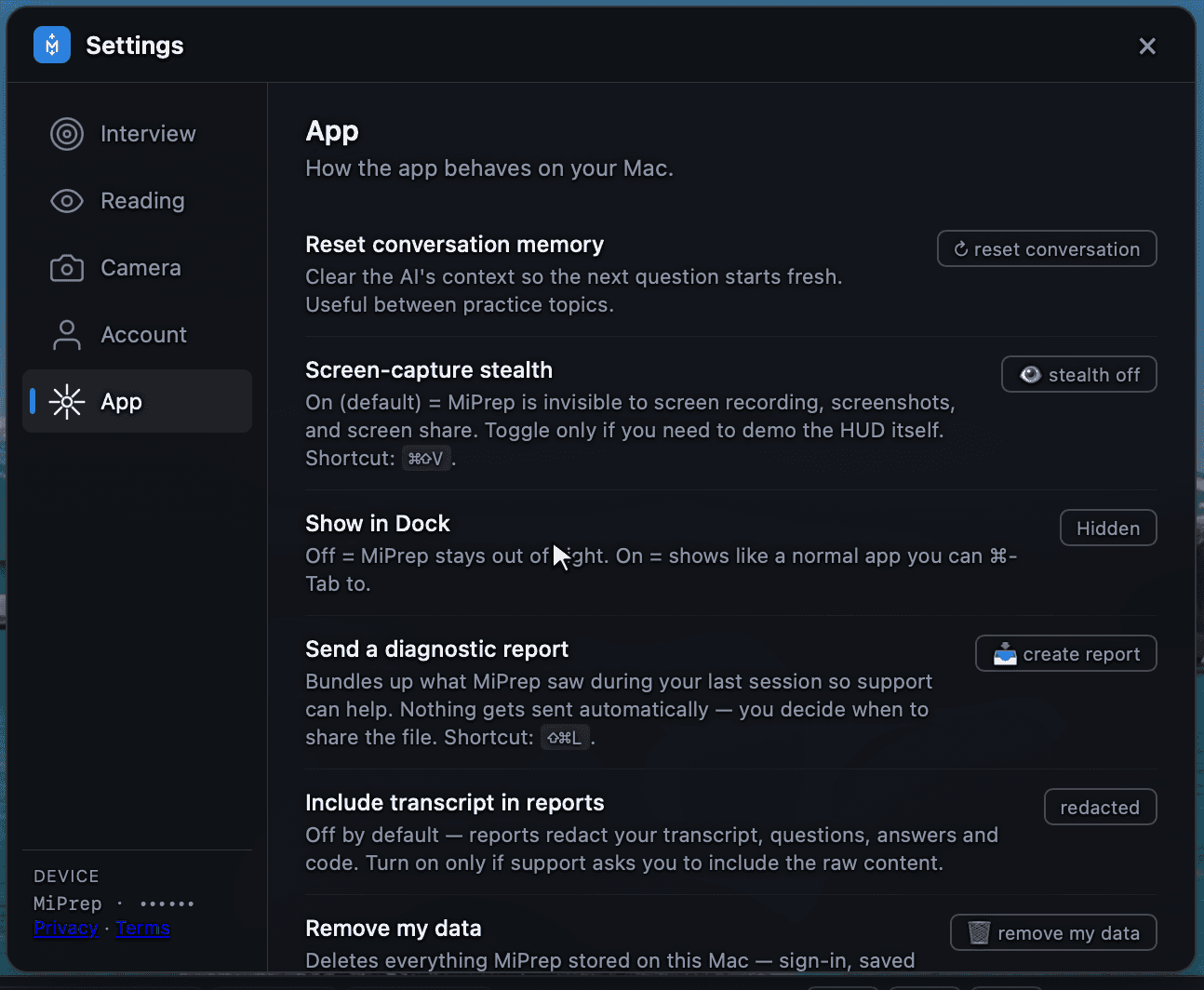
How the app behaves on your Mac.
Reset conversation memory
Clears the AI's context so the next question starts fresh.
Useful between practice topics. Answers are shaped by what came before, so after twenty minutes on distributed systems the next question about your career history arrives coloured by all of it. Resetting cuts that.
This is different from Clear window on the Reading tab, which only wipes the display and leaves the memory intact.
Screen-capture stealth
On by default. MiPrep is invisible to screen recording, screenshots and screen share — see Screen sharing for how it works and how to verify it yourself.
Shortcut: ⌘⇧V/Ctrl+Shift+V — but only when no window is picked for on-screen questions. With a window picked, that chord captures the window instead.
Show in Dock
Hidden keeps MiPrep out of the Dock and out of ⌘-Tab. On makes it behave like an ordinary app you can switch to.
Hidden is the default. Turn it on while you are learning the app, when being able to ⌘-Tab back to it is worth more than the Dock icon costs.
Send a diagnostic report
Bundles what MiPrep saw during your last session so support can help. Shortcut ⇧⌘L/Ctrl+Shift+L.
Nothing is sent automatically. It produces a file and you decide whether to share it. See Getting support for what to send with it.
Include transcript in reports
Off by default — reports redact your transcript, the questions, the answers and any code.
Turn it on only if support asks for the raw content, and turn it back off afterwards. With it off, a report still contains the timings, errors and device state that diagnose almost every problem.
Remove my data
Deletes everything MiPrep stored on this Mac — sign-in, saved settings, and session history.
It does not touch what is stored against your account: your resume, role notes and prepared cards live in the web app, and you delete those there. Removing local data on a machine you are giving away is the right move; it does not close your account.